Creating an organized and comfortable home office is essential for maintaining focus and efficiency while working from home. An orderly workspace can help reduce stress and make it easier to switch between tasks. Whether you have a small nook or a dedicated room, these tips will help you design a home office that supports your productivity and comfort.
Why Organization Matters in a Home Office
Having a clutter-free workspace often leads to clearer thinking and better time management. When you can quickly find what you need and feel comfortable in your surroundings, you naturally work better. Organization also helps establish boundaries between work and personal life, which is especially important when your office is within your home.
Step 1: Choose the Right Location
Pick a Space with Minimal Distractions
Select a spot in your home where distractions are least likely to interfere with your work. It could be a quiet corner, a spare room, or a closet converted into a small office. Make sure this area has sufficient privacy and is free from noise that could disrupt your concentration.
Consider Natural Light and Ventilation
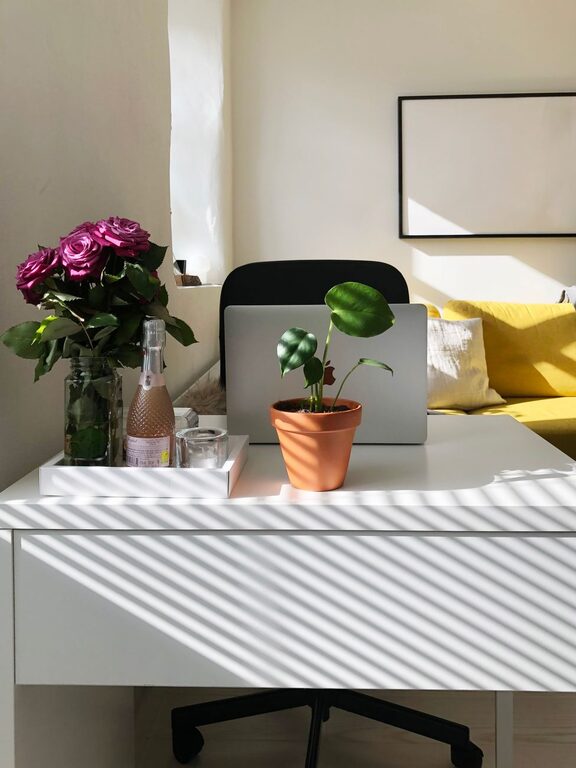
Position your desk near a window if possible. Natural light boosts mood and energy and reduces eye strain. Also, ensure your space is well-ventilated for fresh air, which helps maintain alertness.
Step 2: Invest in Functional Furniture
Choose an Ergonomic Chair and Desk
Comfort is key to long hours of work. An ergonomic chair supports good posture and prevents back pain. A desk with enough surface area will accommodate your computer, paperwork, and other essentials without feeling cramped.
Add Storage Solutions
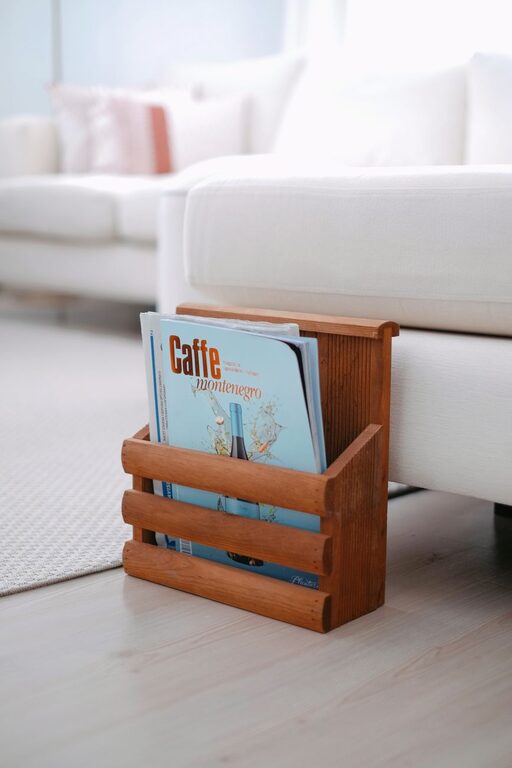
Furniture with built-in storage like drawers or shelves helps keep your office tidy. Consider vertical storage to save floor space, such as wall-mounted shelves or filing cabinets.
Step 3: Declutter and Organize Your Supplies
Sort and Purge
Go through your office supplies and equipment, keeping only what you use regularly. Remove outdated papers, extra cables, and gadgets you no longer need.
Use Organizers and Containers
Desk organizers, trays, and drawer dividers make it easier to categorize items like pens, chargers, and documents. Label containers to quickly find what you need.
Keep Cables Tidy
Use cable clips, ties, or sleeves to prevent cords from tangling. This not only improves the look of your workspace but also reduces the risk of accidents or damage.
Step 4: Optimize Your Desk Setup
Arrange for Efficiency
Place frequently used items within easy reach. Store less-used materials further away to reduce desk clutter.
Manage Screen Placement
Position your monitor about an arm’s length away and at eye level to avoid neck strain. Consider using a monitor stand if needed.
Personalize Your Space
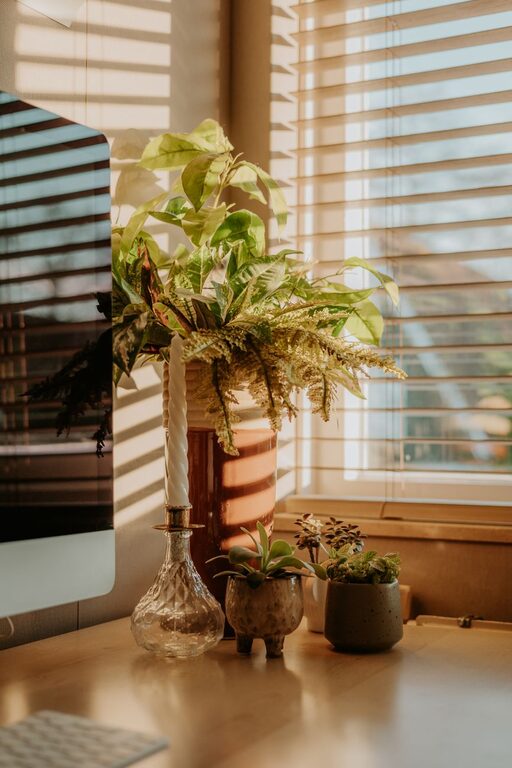
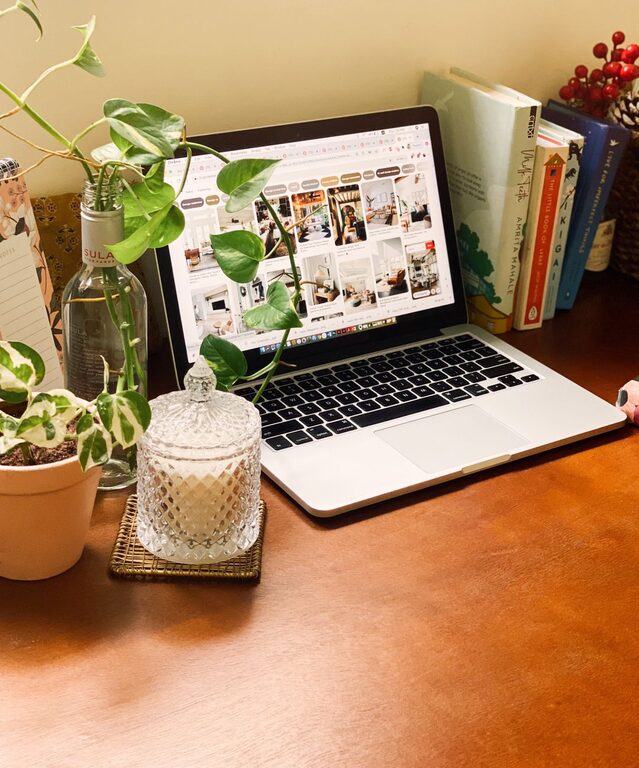
Add a few personal touches like plants, photos, or artwork to make the space inviting. However, avoid overcrowding your desk, as too many items can be distracting.
Step 5: Establish a Cleaning Routine
Regular Maintenance
Spend a few minutes at the end of each day tidying your desk. Put items back in their designated spots and clear any unnecessary papers.
Weekly Deep Clean
Once a week, dust surfaces, clean your keyboard and mouse, and organize paperwork to maintain a fresh and welcoming environment.
Step 6: Enhance Comfort and Focus
Adjust Lighting
Besides natural light, use adjustable task lighting such as a desk lamp to avoid eye strain during evening hours.
Control Temperature
Keep the room at a comfortable temperature. Use fans or heaters if necessary to ensure you stay comfortable throughout the workday.
Minimize Noise
If ambient noise is distracting, consider noise-cancelling headphones or white noise machines to maintain concentration.
Step 7: Use Productivity Tools and Techniques
Digital Organization
Use apps or digital calendars to keep track of deadlines and meetings. Avoid paper clutter by digitizing documents whenever possible.
Time Management
Incorporate techniques like the Pomodoro Technique or scheduled breaks to maintain productivity and prevent burnout.
—
With these tips, you can transform your home office into a productive and comfortable space that supports your work goals. Remember, a well-organized environment not only improves efficiency but also contributes to your overall well-being while working from home.
About the Author