Creating a comfortable and relaxing home workspace is essential for boosting productivity and maintaining well-being during your workday. Whether you work remotely full-time or need a dedicated spot for occasional tasks, designing an environment that feels calm and functional can make a big difference. In this post, we’ll explore practical tips for setting up a home workspace that supports your focus while promoting comfort and relaxation.
Why a Relaxing Workspace Matters
A home workspace that reduces stress and distractions improves concentration and efficiency. When your environment feels inviting and well-organized, it encourages you to stay engaged rather than feeling overwhelmed or restless. Comfort is also key to avoiding physical strain, which can negatively impact your ability to work for long periods.
Choosing the Right Location
Find a Quiet, Well-Lit Spot
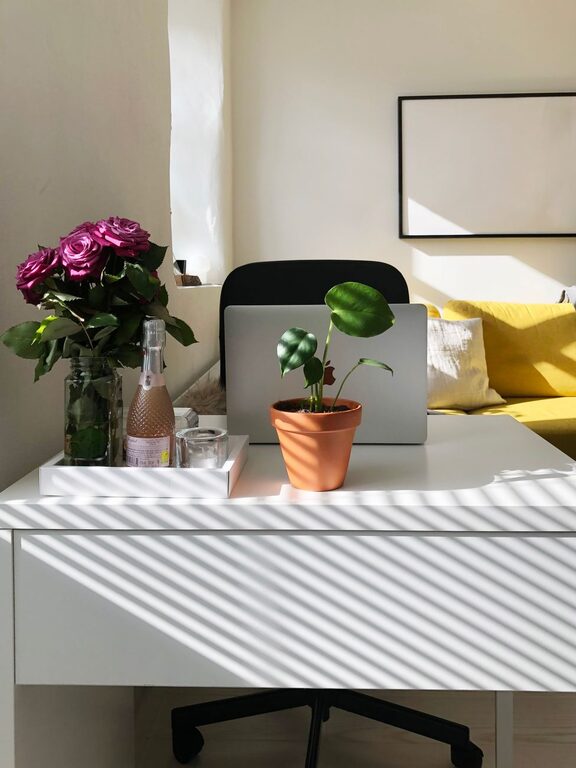
Select a part of your home that experiences minimal foot traffic and noise. Natural light is beneficial, so try positioning your desk near a window. If natural light is limited, invest in good-quality task lighting to reduce eye strain.
Consider Privacy and Boundaries
If you have family or housemates, create clear boundaries around your workspace. Use room dividers or noise-canceling headphones if needed to maintain a focused atmosphere.
Ergonomic Setup
Invest in a Comfortable Chair
An ergonomic chair with adjustable height and lumbar support helps maintain good posture and prevents back pain. Your feet should rest flat on the floor, and your knees should be at a right angle.
Position Your Desk and Monitor Properly
Keep your monitor at eye level and about an arm’s length away. Your keyboard and mouse should be positioned so your wrists are straight and your elbows close to your body.
Organizing for Clarity
Declutter Your Desk
Keep only essential items on your desk to reduce distractions. Use drawer organizers or storage boxes to tuck away supplies out of sight.
Use Cable Management Solutions
Tidy cables prevent visual clutter and reduce the risk of tripping or disconnecting devices accidentally.
Incorporate Functional Storage
Shelves, filing cabinets, or pegboards can keep your workspace neat and ensure everything has a place.
Personalizing Your Space
Add Soothing Colors and Decor
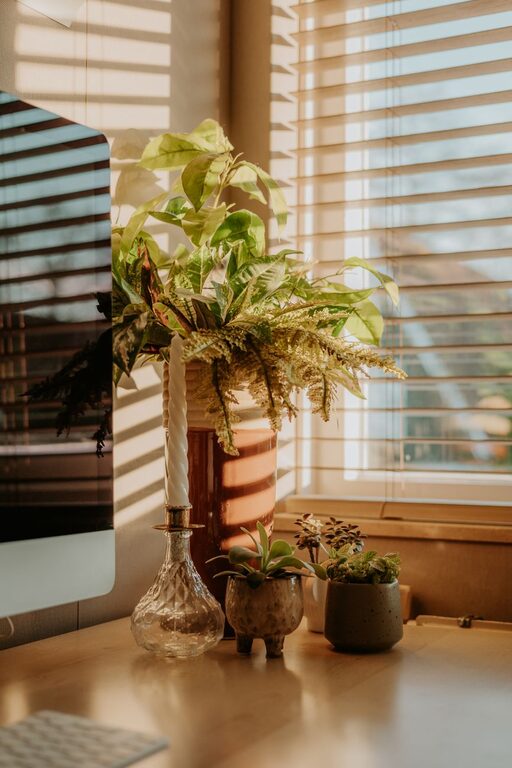
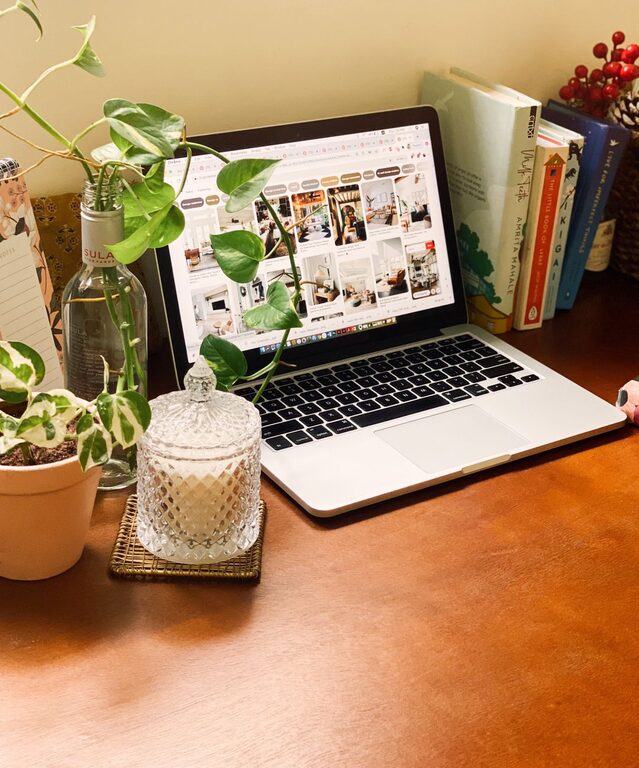
Choose calming colors like soft blues, greens, or neutral tones for your walls and accessories. Personal touches like plants, artwork, or meaningful objects can boost your mood.
Include Natural Elements
Plants improve air quality and create a relaxing atmosphere. Low-maintenance options like succulents or snake plants are great choices for busy workdays.
Creating Comfort and Ambiance
Manage Lighting and Temperature
Use adjustable blinds, curtains, or lamps to control lighting levels. A space that is too hot or cold can distract you, so keep a fan or heater nearby if needed.
Incorporate Sound Elements
A white noise machine, soft background music, or nature sounds can help mask distracting noises and create a calming environment.
Building Healthy Habits
Take Regular Breaks
Set a timer to remind yourself to stand, stretch, or walk around every hour. This helps prevent fatigue and maintains circulation.
Keep Water and Snacks Handy
Staying hydrated and energized supports sustained focus and comfort.
—
By thoughtfully designing your home workspace with comfort and organization in mind, you create a place that encourages productivity and reduces stress. Small changes, like improving lighting or adding plants, can significantly enhance your daily work experience. Try these tips to make your workspace not only productive but also a relaxing part of your day.
About the Author